Circular Cutter

R120,00

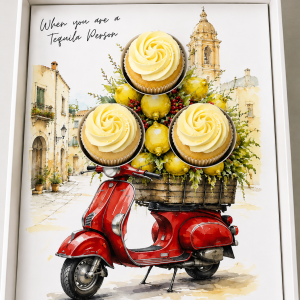
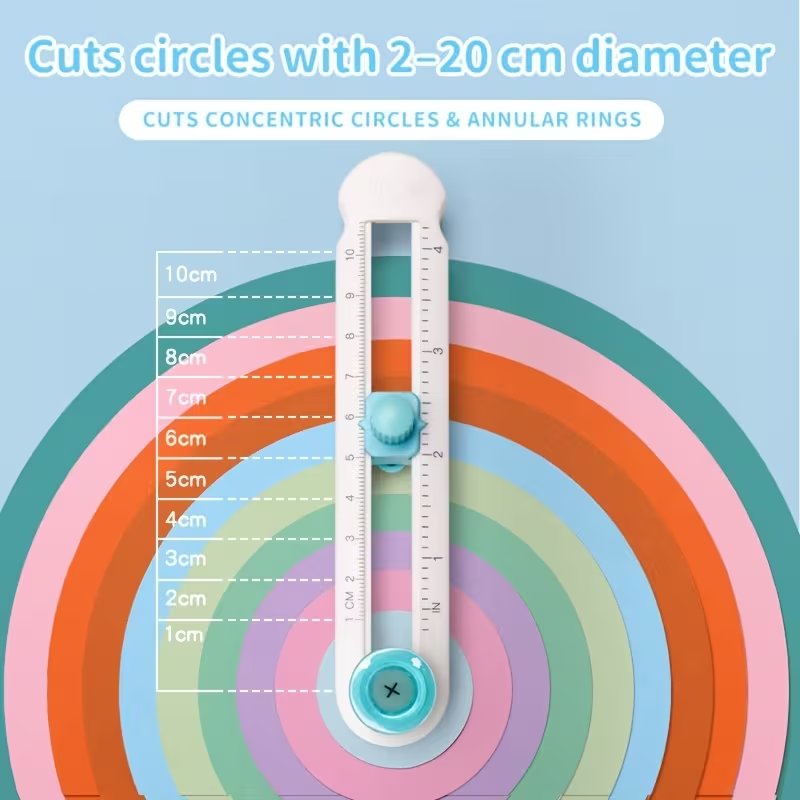
Cut neat circular openings in your A4 print-at-home cupcake inserts with this adjustable circle paper cutter. Lightweight and easy to adjust, it cuts circles from approximately 2 cm in diameter and handles paper up to 300 gsm. Printable inserts sold separately.

Guaranteed Safe Checkout

Adjustable Circle Paper Cutter

Cut neat circles for your next creative project with this adjustable circle paper cutter. Pair it with our A4 print-at-home inserts to help cut out the circular openings after printing your design.
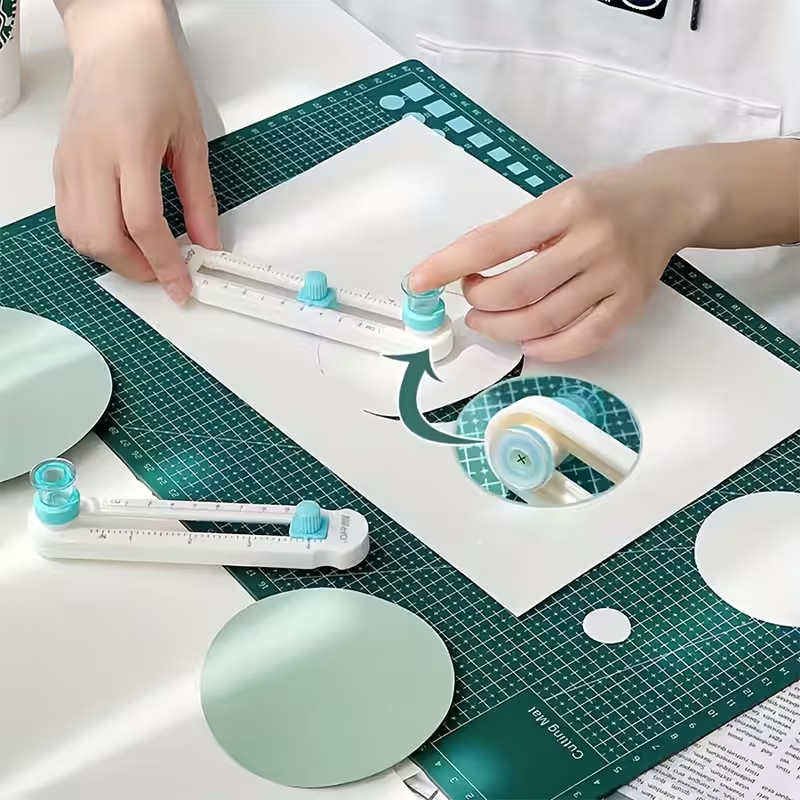
The adjustable cutting arm lets you change the circle size to suit your project. Simply loosen the knob, set the required size and tighten it before cutting. The clear measurement markings help you adjust the cutter, while its lightweight plastic body makes it easy to handle and store with your craft supplies.
Beyond your inserts, you can also use it for circular paper decorations, gift tags, scrapbooking and other paper crafts. A useful little tool for anyone who enjoys printing and making their own party details at home.

Product features

  • Adjustable circle size: Cut different-sized circles with one tool.
  • Minimum cutting diameter: Approximately 2 cm.
  • Full-circle cutting: The rotating cutting arm cuts through a complete 360° circle.
  • Clear measurement markings: Help you set and check your cutting size.
  • Lightweight plastic body: Compact and easy to store.
  • Paper capacity: Suitable for paper up to 300 gsm, according to the supplier. Results may vary depending on the paper type and coating.

Use with our A4 print-at-home inserts
Choose your printable insert design, print it onto suitable A4 paper or cardstock, then use the circle cutter for the circular sections. Cut any straight edges separately using scissors or a paper trimmer.
A4 refers to the size of the printed insert sheet. Set the cutter to match the individual circle you need to cut.

Please note:
This is a physical cutting tool. Printable insert designs are purchased separately. Use with a suitable cutting mat to protect your work surface.


How To Use

1. Print your insert

Print your chosen design on A4 paper or cardstock that is suitable for your printer and within the cutter’s stated 300 gsm limit. Follow the print settings supplied with your insert. Where exact sizing is required, select Actual Size or 100%, rather than “Fit to Page”.

2. Prepare your work surface

Place a cutting mat on a flat, stable surface. Lay your printed insert flat on the mat.

3. Set the circle size

Loosen the adjustment knob and move the cutting arm to the size you need. Tighten the knob securely before cutting.

Check whether the cutter’s scale indicates the radius or diameter. The diameter is the full width of the circle; the radius is half that measurement. For example, a 6 cm circle has a 3 cm radius.

4. Make a test cut

Test the size on spare paper before cutting your printed insert. Compare the test circle with the printed outline and adjust if needed.

5. Position the cutter

Place the cutter’s centre point in the middle of the circle you want to cut. Check that the blade lines up with the printed cutting outline.

6. Cut the circle

Hold the centre steady and rotate the cutting arm through one full circle, applying gentle, even pressure. Keep the paper still while cutting. If needed, make another careful pass along the same line without moving the centre point.

7. Remove the cut-out

Lift the cutter and gently remove the paper circle. If a section is still attached, finish cutting it before lifting it out to avoid tearing your insert.

8. Finish your insert

Repeat for any remaining circular openings, then trim the outer edges as directed in your insert instructions.

Care and safety

The cutter contains a sharp blade. Keep fingers away from the cutting path, store it safely out of children’s reach and always use a cutting mat. Follow the instructions included with your cutter for blade handling or replacement.


Reviews

There are no reviews yet.

Be the first to review “Circular Cutter”

Your email address will not be published. Required fields are marked *

Scroll to Top